
This document introduces the features and characteristics of 3M™ Digital Media System 700, including the intended use, safety information, shipping contents, product description, basic operations, troubleshooting and maintenance.
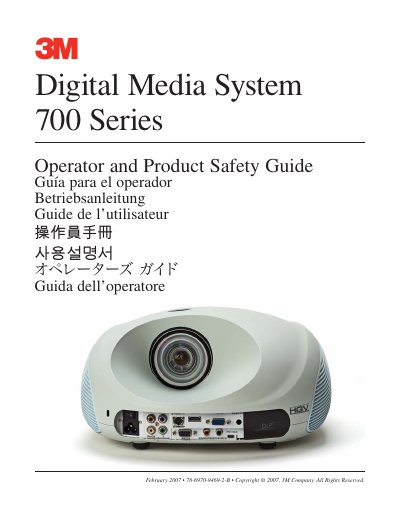
The 3M Digital Media System 700 Series is a multimedia projector designed for use in normal office and home environments. This Operator and Product Safety Guide covers essential safety warnings regarding hazardous voltage, hot surfaces, and battery handling to ensure safe operation.
The document details the setup process, including unpacking contents and connecting cables such as VGA, S-video, and component video. It also explains basic operations like power management, menu navigation, image adjustments, and remote control functions.
| Operating Temperature | 16˚ to 29˚C (60˚ to 85˚F) |
|---|---|
| Operating Humidity | 10-80% RH (without condensation) |
| Maximum Altitude | 0-1828 m (0-6000 feet) above sea level |
| Warranty Period | one year from the date of purchase |
You must unplug the projector and allow the lamp to cool for 60 minutes before replacement.
No, other than the lamp cartridge there are no user serviceable parts inside the projector.