
3M WX36 Digital Projector Operator's Guide

This document is about the WX36 projector operating guide.
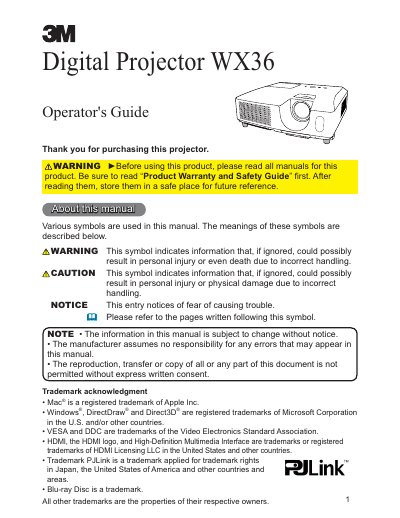

3M WX36 Digital Projector Operator's Guide - cover page
Brand
3M
Category
Projector
Document type
User Manual
Language
English
Pages
101
File format
PDF
File size
2.7 MB
Published
06 July, 2012
Updated
30 September, 2023
MD5 checksum
32BC577ECD85595CB24AC53EB9052736

About this manual

The 3M WX36 Digital Projector is a versatile device featuring various I/O ports including HDMI, USB Type A, and LAN connectivity. It supports the PJLink standard for network control and can display images from USB storage devices. The projector includes features such as automatic keystone correction, image adjustment, and multiple input signal searching capabilities.

What's inside

  • Introduction
  • Features
  • Checking the contents of package
  • Part names
  • Setting up
  • Connecting with your devices
  • Operating
  • Using the menu function
  • Maintenance
  • Troubleshooting

Specifications

Resolution1280 x 800

Frequently asked questions

How do I connect a USB storage device?

Insert a USB storage device into the USB TYPE A port and select the port as the input source to view stored images.

Can the projector be controlled via a network?

Yes, the projector can be controlled and monitored via LAN connection and supports the PJLink standard.

Download PDF (2.7 MB)

More 3M Manuals


View all 3M manuals →