
This document describes in detail how to export data from the Agilent 8453E system to a variety of PC applications.
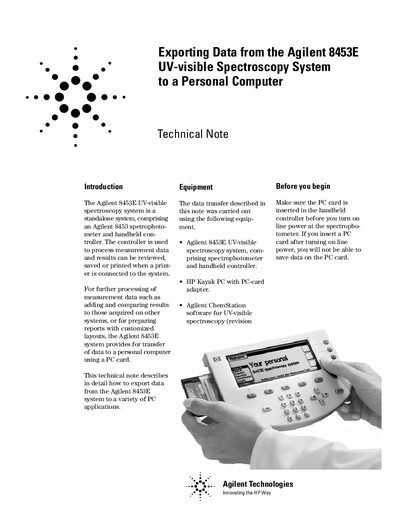
The document explains that the Agilent 8453E UV-visible spectroscopy system is a standalone device comprising a spectrophotometer and handheld controller. It details how to transfer measurement data to a personal computer for further processing, reporting, or analysis using PC card adapters.
The guide covers specific procedures for saving spectrum files (.wav) and kinetics files (.csv) to the PC card. It provides step-by-step instructions on removing the card, importing spectra into Agilent ChemStation software, opening files in text editors, and formatting data for import into Microsoft Excel.
| System Type | Standalone system comprising spectrophotometer and handheld controller |
|---|---|
| Spectrum File Extension | .wav |
| Kinetics File Extension | .csv |
No, this feature is only applicable for spectrum files; you can import spectrum files but not kinetics files.
You must set Comma as the delimiter to separate different columns.