
This document is the user manual for the R24 audio interface and control surface. It introduces the product's features and usage methods.
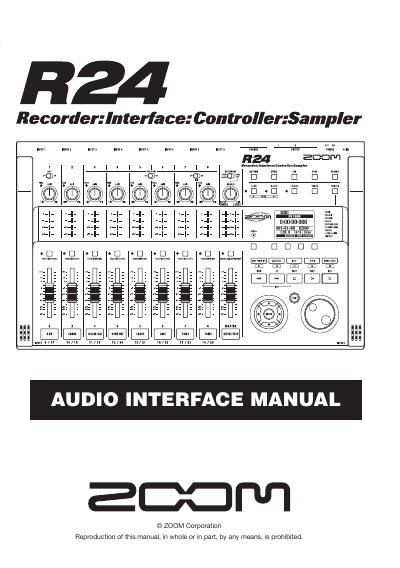
The document serves as a user guide for the ZOOM R24, detailing its functions as both an audio interface and a control surface. It explains how to connect the unit to a computer via USB and set it up for use with Digital Audio Workstation (DAW) software.
Key features described include 8 inputs supporting various sources like guitars and microphones, built-in effects, a comprehensive mixer, and a multifunction tuner. The manual provides step-by-step instructions for recording audio, adjusting levels, using the control surface to manage playback and mixing, and importing data into compatible software.
| Inputs/Outputs | 8 inputs and 2 outputs |
|---|---|
| Sampling Rate | up to 24-bit/96 kHz |
| Effects Sampling Rate | 44.1 kHz |
| Power Source | USB bus |
The manual uses Cubase LE 5 as the primary example for DAW setup and recording.
Yes, the ZOOM R16/R24 audio driver is essential for using the unit as an audio interface.
Yes, the unit can be powered directly by the computer's USB bus.