
Zoom R16 Audio Interface and Control Surface User Manual

This manual introduces how to use the ZOOM R16 Digital Audio Interface, including connecting and using Cubase LE 4, control surface functions, and recording.
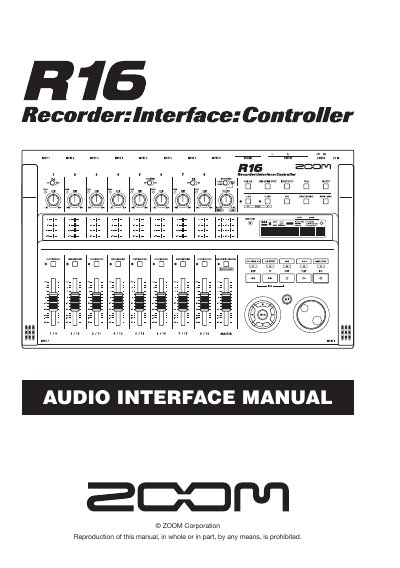

Zoom R16 Audio Interface and Control Surface User Manual - cover page
Brand
ZOOM
Category
Other Electronics
Document type
User Manual
Language
English
Pages
36
File format
PDF
File size
7 MB
Published
05 July, 2012
Updated
30 September, 2023
Model
R16
MD5 checksum
91F2E327D65FF543C884E387B1830F65

About this manual

The document serves as a user guide for the Zoom R16, detailing its function as both an audio interface and a control surface for Digital Audio Workstation (DAW) software. It explains how to connect the unit via USB 2.0 and utilize its onboard controls for recording, playback, and mixing.

What's inside

  • Audio interface and Control Surface
  • Install and setup Cubase LE 4
  • Connecting and disconnecting in audio interface mode
  • Control surface functions
  • Recording with Cubase LE 4
  • Effects in audio interface mode
  • Mixer operations
  • Tuner features

Specifications

Input/Output Channels8 ins and 2 outs
Bit Depthup to 24-bit
Power SourceUSB bus

Frequently asked questions

What DAW software is supported?

The manual specifically details setup for Cubase LE 4, Logic 7/8, SONAR 7/8, LIVE 6/7, and Digital Performer.

Can the unit be powered by a computer?

Yes, the R16 can be powered directly by the computer's USB bus.

Download PDF (7 MB)

More ZOOM Manuals


View all ZOOM manuals →