
ZOOM G1u Guitar Effects & USB Audio I/F Pedal Operation Manual

This manual describes how to use the ZOOM G1u effect unit
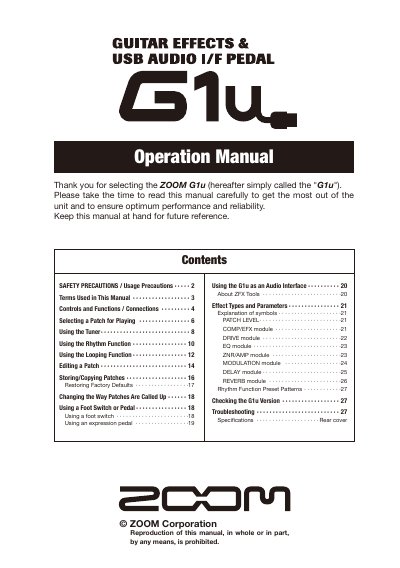

ZOOM G1u Guitar Effects & USB Audio I/F Pedal Operation Manual - cover page
Brand
ZOOM
Category
Other Electronics
Document type
User Manual
Language
English
Pages
23
File format
PDF
File size
15.3 MB
Published
05 July, 2012
Updated
30 September, 2023
Model
G1U
MD5 checksum
5D2CEF7B7E9AF309CD9333ACA379AFCA

About this manual

This manual provides instructions for operating the ZOOM G1u guitar effects and USB audio interface pedal. It covers basic functions such as selecting patches in play mode, using the rhythm function, and utilizing the looping feature. The document also explains how to edit patches, store them in memory, and manage banks.

What's inside

  • Safety Precautions
  • Controls and Functions
  • Selecting a Patch for Playing
  • Using the Rhythm Function
  • Using the Looping Function
  • Editing a Patch
  • Storing/Copying Patches
  • Using a Foot Switch or Pedal
  • Using the G1u as an Audio Interface
  • Troubleshooting

Specifications

Power Supply (AC)ZOOM AD-0006 or AD-16
Power Supply (Battery)Four IEC R6 (size AA) batteries
Memory Capacity20 banks
Effect ModulesUp to eight single effects

Frequently asked questions

What type of batteries does the G1u use?

The unit uses four conventional IEC R6 (size AA) alkaline batteries.

Can the G1u be used as an audio interface?

Yes, the unit can be connected to a computer via a USB port to serve as an audio interface.

Download PDF (15.3 MB)

More ZOOM Manuals


View all ZOOM manuals →