
This document is the operation manual of ZOOM Corporation, which provides usage and safety precautions for the R16 audio recorder, including power requirements, AC adapter operation, and battery operation.
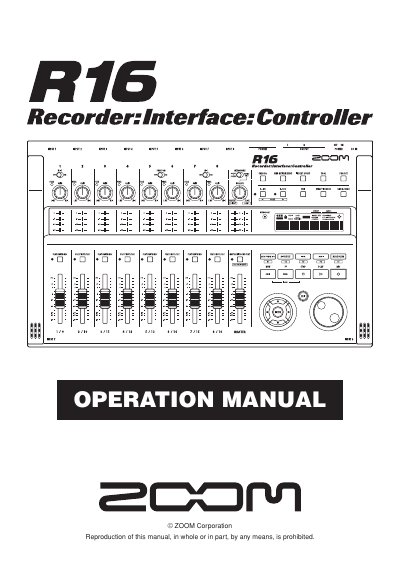
The ZOOM R16 is a versatile device functioning as an 8-track multitrack recorder, a Hi-Speed USB 2.0 audio interface, and a control surface for DAW software. It supports up to 32GB SDHC cards and allows for recording up to 16 tracks when two units are linked via USB. The device features built-in microphones, various input jacks for guitars and microphones, and comprehensive mixer functions.
| Max tracks (single unit) | 8 tracks |
|---|---|
| Max tracks (linked units) | 16 tracks |
| Max SD card capacity | 32 GB |
| Sampling rate | 44.1-kHz |
| Max input/output | 8 inputs and 2 outputs |
| Max sample rate (interface) | 96 kHz |
| USB standard | USB 2.0 |
Yes, you can connect two R16s together with a USB cable to record a maximum of 16 tracks.
The R16 uses six conventional size AA-1.6 volt batteries, such as alkaline or nickel-metal hydride.
Yes, the R16 can operate the transport of DAW software and physically control fader operations via USB.