
Agilent PSO Europe Trap Data Browser Technical Note

This technical note introduces the Agilent PSO Trap Data Browser Add-On. The tool enables users to review LC Ion Trap data on their own PCs, without having to return to the central LC Trap lab.
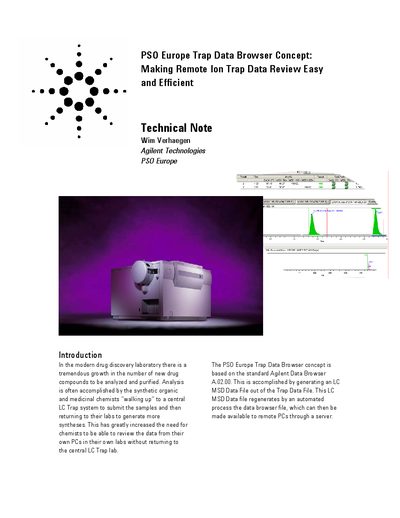

Agilent PSO Europe Trap Data Browser Technical Note - cover page
Brand
Agilent
Category
Other Computer Accessories
Document type
Other
Language
English
Pages
4
File format
PDF
File size
180 KB
Published
05 July, 2012
Updated
30 September, 2023
MD5 checksum
FE0632DE730A26839C6B95B000D8DB7D

About this manual

The document describes the PSO Europe Trap Data Browser concept, which allows chemists to review LC Ion Trap data from their own PCs without returning to the central laboratory. It is based on the standard Agilent Data Browser A02.00 and involves generating an LC MSD Data File from the Trap Data File.

What's inside

  • Introduction
  • Global Process Overview
  • Converting Agilent Ion Trap Data
  • Creating AEV files
  • What is needed at customer site
  • Features
  • What is included
  • Ordering Process

Frequently asked questions

What software is required to run the LC MSD ChemStation and the LC Ion Trap ChemStation?

Because the two ChemStations are not co-executable, a Virtual Machine License such as VMWare Workstation 4 or higher is needed.

What is the maximum number of licenses included for the Data Browser?

The package includes the latest Data Browser G2727AA up to 10 licenses.

How are AEV files created after a run or sequence?

The AEV files are created automatically after each run or sequence within a LC MSD ChemStation Session.

Download PDF (180 KB)

More Agilent Manuals


View all Agilent manuals →