
Introduce the features of Chem2XL software and how to use this software to create Excel report templates
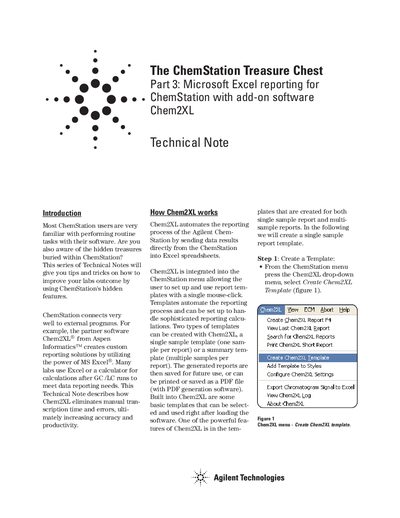
This document is Technical Note Part 3 of the ChemStation Treasure Chest series. It describes how the Chem2XL add-on software from Aspen Informatics integrates with Agilent ChemStation to automate the reporting process. The software allows users to send data results directly from ChemStation into Excel spreadsheets, eliminating manual transcription time and errors.
Chem2XL automates the reporting process by sending data results directly from ChemStation into Excel spreadsheets to eliminate manual transcription time and errors.
Two types of templates can be created: a single sample template for one sample per report or a summary template for multiple samples per report.
Yes, the generated reports can be printed or saved as a PDF file if PDF generation software is used.