
This file introduces the reporting capabilities of Agilent Technologies EZChrom Elite Chromatography Data System and Agilent OL Operating System for the Laboratory.
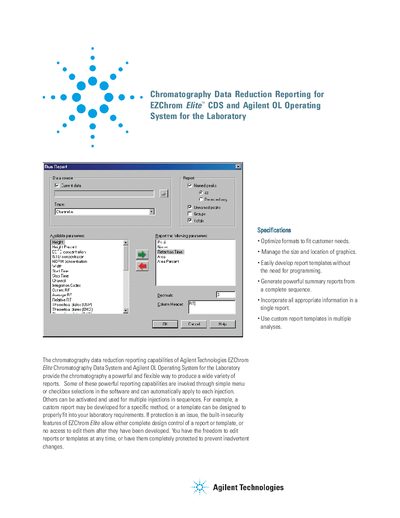
The document outlines the chromatography data reduction reporting features available in Agilent EZChrom Elite CDS and Agilent OL Operating System. It explains how users can generate powerful summary reports from complete sequences using simple menu selections or custom templates without requiring programming knowledge.
The guide details the creation of Method Custom Reports for single injections and Sequence Reports for multiple injections. It covers the use of the Run Report tool, which allows for the selection of up to 42 standard parameters and 24 custom parameters, along with the ability to insert graphics, files, and company logos into the final report.
No, the chromatographic data generated in EZChrom Elite and Agilent OL is protected and cannot be edited, altered, or changed.
The Run Report offers a selection of up to 42 different standard parameters.
No, reports and templates are designed using simple word processor-type commands, so templates can be written without resorting to specialized codes.