
Agilent Technologies EZChrom Elite Chromatography Data System and Agilent OL Operating System for the Laboratory provide a powerful and flexible way to produce a wide variety of reports.
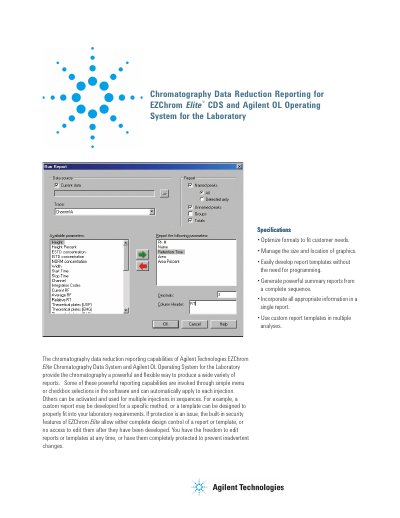
The chromatography data reduction reporting features of Agilent Technologies EZChrom Elite Chromatography Data System and Agilent OL Operating System provide a powerful and flexible way to produce a wide variety of reports. These capabilities can be invoked through simple menu or checkbox selections in the software, automatically applying to each injection, or activated for multiple injections in sequences.
Available parameters include Height, Area, Percent Name, ESTD concentration, ISTO concentration, Start Time, Stop Time, integration Codes, Current RF, Average AF, Decimals, Relative RT, and Theoretical plates (USP/EMG).
Yes, the built-in security features allow either complete design control or no access to edit reports after they have been developed.
The Run Report offers a selection of up to 42 different standard parameters.