
Agilent OL is a product that provides a new approach to instrument control and data management in the laboratory. It can manage laboratory content, control analytical instrument modules, automate and manage laboratory workflows, and satisfy compliance requirements.
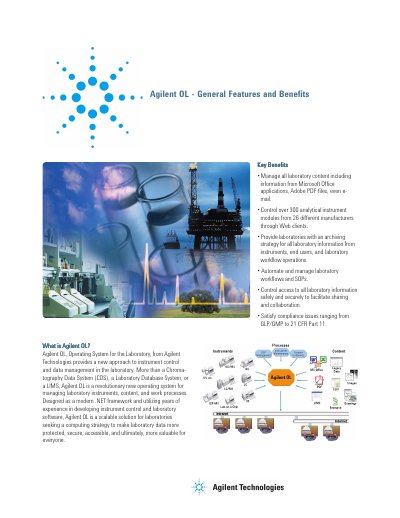
Agilent OL (Operating System for the Laboratory) is a modern .NET framework designed to manage laboratory instruments, content, and work processes. It serves as a scalable solution for laboratories seeking to make data more protected, secure, and accessible. The system allows users to control over 300 analytical instrument modules from 26 different manufacturers through Web clients, going beyond traditional Chromatography Data Systems or LIMS.
Agilent OL controls over 300 different HPLC, GC, and related chromatography modules from 26 different manufacturers.
Agilent OL manages information from Microsoft Office applications, Adobe PDF files, graphic images, instrument raw data, and even e-mail.
If the network becomes inoperative, Agilent Instrument Controllers can continue to control and run instruments by buffering data in flash memory.