
The file is an introduction to the control software for PerkinElmer Autosystem GC and Autosystem XL GC
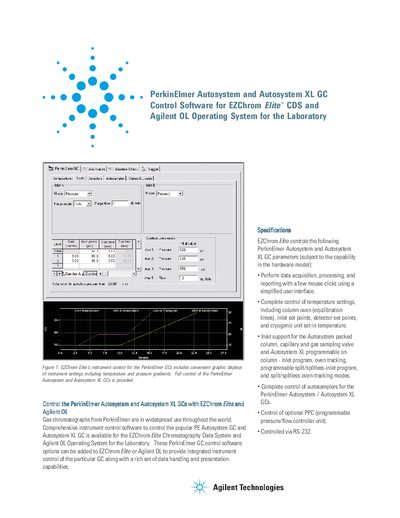
This document describes EZChrom Flite and Agilent OL Operating System software options for controlling PerkinElmer Autosystem and Autosystem XL gas chromatographs. The software provides integrated instrument control along with data handling and presentation capabilities.
| Compatible GC Models | PerkinElmer Autosystem and Autosystem XL GC |
|---|---|
| Controlled Parameters | Temperature settings, inlet set points, detector set points, cryogenic unit set-in temperature |
| Connection Interface | RS-232 |
| Maximum Connected Units | Up to four (4) |
| Minimum ROM Version (Autosystem A) | 1-8 |
| Minimum ROM Version (Autosystem XL A) | 3.300 |
EZChrom Flite and Agilent OL Operating System for the Laboratory control these gas chromatographs.
Yes, EZChrom Flite and Agilent OL can control GCs from Agilent, Thermo Electron, Varian, Shimadzu and others.
Up to four PerkinElmer Autosystem or Autosystem XL GCs can be connected to a single Agilent Instrument Controller.