
Key facts
Start here
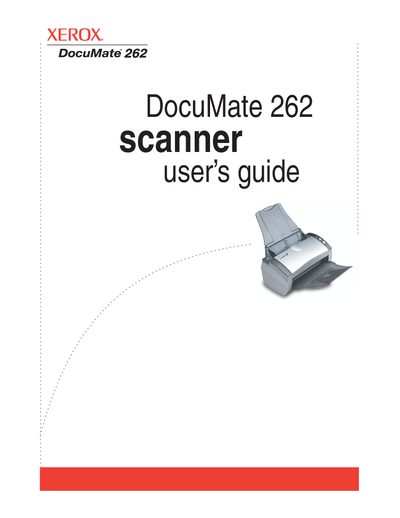
Xerox DocuMate 262 Scanner User's Guide
The Xerox DocuMate 262 is a desktop scanner designed to quickly scan single-sided or double-sided stacks of documents. The device features an Automatic Document Feeder (ADF) with adjustable paper guides, a One Touch button panel for quick scanning settings, and status indicators for operational feedback.
Read onlineXerox DocuMate 262 specifications
| Operating System Support | Windows 2000, XP, Vista |
|---|---|
| Minimum RAM (XP) | 512 MB |
| Minimum RAM (Vista) | 1 GB |
| Hard Disk Space | 350 MB minimum |
All Xerox DocuMate 262 documents by type
Day-to-day operation, settings and troubleshooting. Start here if the product is already set up.
Questions answered in these manuals
What is the purpose of the Destination Selector button?
The Destination Selector button selects the scan setting for the Simplex and Duplex buttons by cycling through nine available settings.
What does a steady blue status light indicate?
A steady blue light indicates that the scanner is available to scan.
What is the purpose of the Destination Selector button?
It selects the scan setting for the Simplex and Duplex buttons by cycling through nine available settings.
What does a steady green light on the status indicator mean?
A steady green light indicates that the scanner is available to scan.