
CAE LD-360M MIDI Dimmer Pack User Manual

This document introduces the MIDI features and provides a system configuration diagram of LM-850 control console, and explains how to use MIDI control console to control Dimmer lights
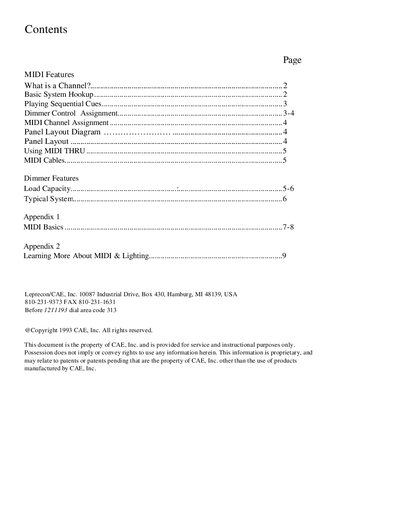

CAE LD-360M MIDI Dimmer Pack User Manual - cover page
Brand
Leprecon
Document type
User Manual
Language
English
Pages
9
File format
PDF
File size
418 KB
Published
04 July, 2012
Updated
30 September, 2023
MD5 checksum
CFA2307F49C55132ADDC0FE253A97A59

About this manual

The document provides instructions for integrating the CAE LD-360M MIDI dimmer pack with a standard lighting system using an LM-850 console or other MIDI controllers. It details how to connect multiple dimmers in parallel or daisy-chained configurations and explains the assignment of starting addresses and MIDI channels.

What's inside

  • Basic System Hookup
  • MIDI Implementation
  • Dimmer Control Assignment
  • MIDI Channel Assignment
  • Panel Layout Diagram

Frequently asked questions

What is the minimum duration a dimmer stays on after receiving a short note ON and OFF sequence?

The dimmer will turn on for at least 200 milliseconds to allow perceivable flashes of light.

How many discrete brightness levels can be set from light off to full on?

Each channel can be set at any of 128 discrete levels.

What happens if two or more dimmers are set to the same channel number?

They will react together to controls sent for that specific dimmer channel number.

Download PDF (418 KB)

More Leprecon Manuals


View all Leprecon manuals →