
This document provides safety precautions for using the tester, including avoiding working alone, not using damaged test leads, not using a malfunctioning or wet tester, etc. It also provides explanations for various symbols and warning signs.
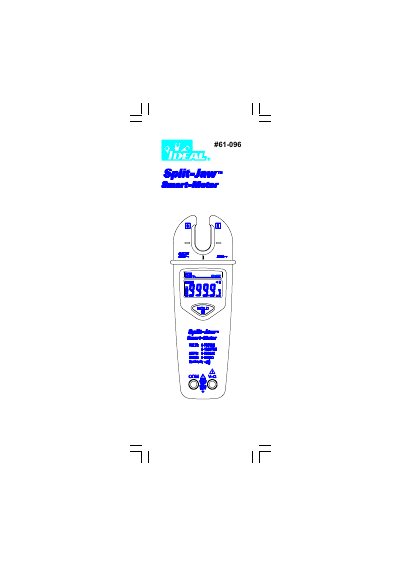
This document provides the user manual for the IDEAL 61-096 Split-Jaw Smart Meter. It details essential safety information regarding electric shock hazards and proper usage of test leads. The guide explains how to operate the device, including power on/off functions, automatic power off settings, and interpreting the LCD display for various measurement modes such as AC/DC voltage, resistance, and AC current.
| Jaw opening | 0.5" (12.7mm) |
|---|---|
| LCD display digits | 6000 digit large scale LCD readout |
| Measuring rate | 5 times / sec |
| Automatic power off time | Approximately 30 minutes after power on |
| Power requirement | 9V battery (ALKALINE PP3) |
The meter measures AC voltage in ranges of 1.3V to 750.0V and 1.8V to 1000V.
The device measures AC current from 0.6A up to 200A.
The device requires a calibration cycle of one year.