
Vol-Con® Elite Voltage / Continuity Tester Instruction Sheet WARNINGS To avoid possible electric shock, personal injury, or death, follow these guidelines. • Do not use if tester appears damaged or is not operating properly. • Inspect and replace leads if insulation is damaged, metal is exposed, or probes are cracked. • Do not use meter if it operates abnormally as protection may be impaired. • Do not use tester for more than the rated voltage on the tester. • Do not use without the battery and the back case properly installed. • Do not apply more than the rated voltage to the meter. • Do not use during electrical storms or in wet weather. • Do not use around explosive gas, dust, or vapor. • Ensure all fingers are behind finger guard when testing for voltage. • This tester will not detect voltages at a distance, such as through walls, metal conduit, or shielded wire. • Before each use perform a continuity test by touching the probe tips together, an audible sound should be heard and the continuity [•)))] LED should light. This test verifies the functionality of the battery and test leads. • Use the 3 Point Safety Method. (1) Verify tester operation by measuring a known voltage. (2) Apply tester to circuit under test. (3) Return to the known live voltage again to ensure proper operation. • Replace batteries as soon as low battery indicator appears. • If this tester is used in a manner not specified by IDEAL, protection provided by the product may be impaired.
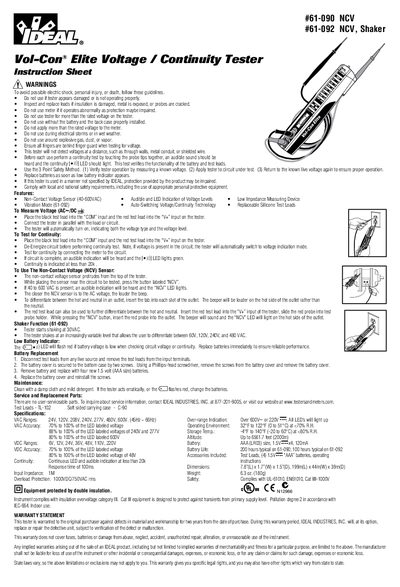
This document is an instruction sheet for the IDEAL Vol-Con Elite Voltage/Continuity Tester, available in two models: #61-090 and #61-092 (Shaker). It provides safety warnings, operating instructions for measuring voltage and testing continuity, and details on using the Non-Contact Voltage (NCV) sensor. The #61-092 model includes a vibration mode to differentiate voltage levels.
| Voltage Range (AC) | 40-800VAC |
|---|---|
| Continuity Threshold | less than 20k |
| Battery Type | four 1.5 volt (AAA size) |
| Operating Temperature | 32°F to 122°F (0 to 51°C) |
| Battery Life | 200 hours typical |
Perform a continuity test by touching the probe tips together; an audible sound should be heard and the LED should light.
The sensor detects voltages between 40 and 800VAC.