
This is a user manual for AT&T Tilt phone
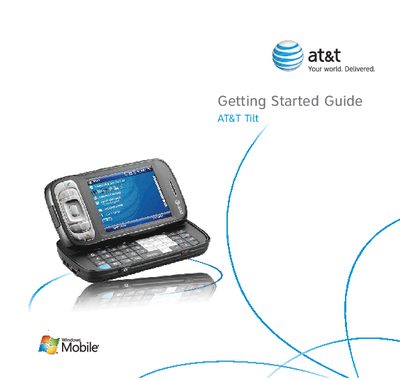
The document serves as a getting started guide for the AT&T Tilt mobile device. It details the initial setup process, including identifying contents of the box, installing the battery and SIM card, and charging procedures. The guide also covers basic navigation and operation features such as making calls, sending messages, browsing the web, and setting up email.
It takes about one minute to remove the cover, align contacts, and secure the battery.
The left LED becomes green and a full battery icon appears on the Today screen.
Press the POWER button and hold it for about 5 seconds.