
AT&T F160 User Manual. The contents may differ from the phone depending on the software or service provider. AT&T marks contained herein are trademarks of AT&T Intellectual Property and/or AT&T affiliated companies.
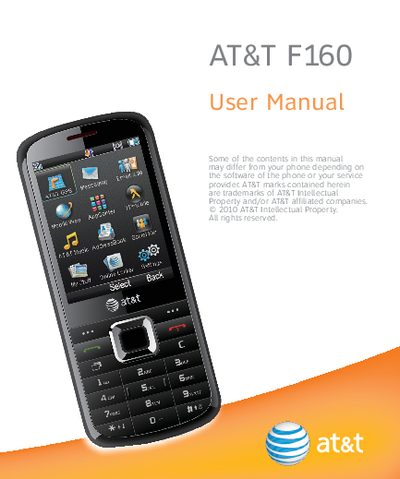
This manual covers everything you need to get started with the AT&T F160, including how to remove and install the back cover, battery, SIM and memory cards, and how to charge the device safely. It also explains key functions such as keypad operation, text entry, and accessing the main menu.
Further sections detail phone features like calls, messaging, address book, Bluetooth, mobile web, tools, entertainment, settings, accessibility, care and maintenance, troubleshooting, specifications, FCC compliance, and RF safety, helping you use and maintain the phone effectively.
| Supported memory card capacity | up to 8 GB |
|---|---|
| Battery full‑charge duration | 3 to 4 hours |
| Charging temperature range | 32 °F – 113 °F |
Power off the phone, remove the back cover and battery, hold the SIM with contacts down, insert it into the card holder and slide it into position, then replace the cover.
From idle mode, hold the * key to lock the keypad.
The phone supports memory cards up to an 8 GB capacity.
Charging is only possible within a temperature range of 32 °F to 113 °F.