
This document describes the accessories of HTC Mobile Computer and how to set up email accounts in SnapVUE mode.
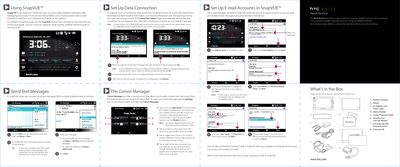
The HTC SnapVUE is a mobile computer designed to provide instant-on access to weather information, SMS messaging, and Direct Push email functionality. It allows users to switch between SnapVUE mode and Windows Vista, enabling connectivity to company Exchange Server mailboxes and the internet via 3G, GPRS/EDGE, or Wi-Fi.
| Data Connection Types | 3G or GPRS/EDGE |
|---|---|
| Operating System | Windows Vista |
Tap the SnapVUE button located on the lower left side of the touch panel.
A 3G or GPRS/EDGE data connection using a 3G or 2G USIM/SIM card and a data plan from your wireless service provider.
Slide the Power/Hold switch on the right side of the Mobile Computer to the right for 1 to 2 seconds.