
HTC Wildfire S User Manual, introduces how to use the phone's various functions
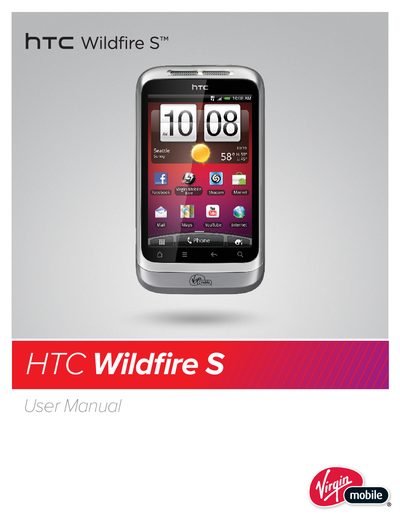
This manual provides comprehensive instructions for the HTC Wildfire S smartphone. It covers initial setup, including what is included in the box and how to switch the device on or off. The guide details the use of finger gestures, the home screen, and various notification settings.
The document further explains how to personalize the device with scenes, wallpapers, and widgets. It includes detailed sections on making and receiving calls, managing contacts via the People app, and using social network integrations like Facebook and Twitter. Instructions are also provided for using the camera, managing media files, and connecting to the internet via Wi-Fi or mobile data.
The box contains the HTC Wildfire S, a battery, a microSD card, a USB cable, a power adapter, a Basics Guide, and a Safety and regulatory guide.
You can adjust the volume using the volume buttons located on the side of the device.
The Proximity sensor prevents the screen from turning on or off when you hold the phone to your ear during a call.