
HTC 7 Trophy Quick guide. This guide introduces how to set up the phone, lock the screen, add email accounts, send and receive emails, etc.
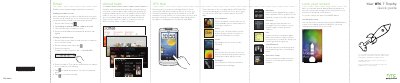
This document serves as a Quick Start Guide for the HTC 7 Trophy smartphone. It provides essential instructions for initial setup, including charging the battery, inserting the SIM card, and configuring data connections. The guide also explains how to lock and unlock the screen using the power button.
The manual details basic operations such as sending emails, managing contacts via the People Hub, making calls, and browsing the web. It includes step-by-step instructions for adding email accounts, setting up Wi-Fi, and transferring contacts from a SIM card.
To lock the screen, just press the POWER button.
Press the POWER button to turn on the display, and then slide the screen up starting from the bottom of the screen.