
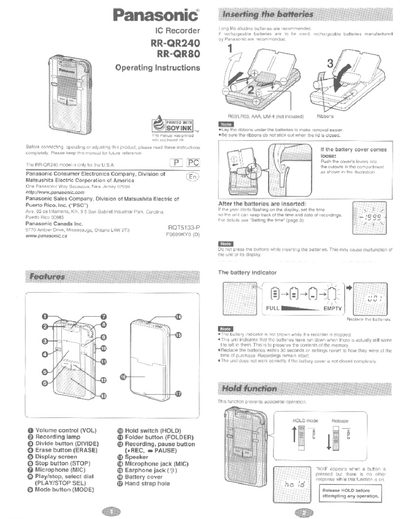
Panasonic RR-QR240/RR-QR80 IC Recorder Operating Instructions


Panasonic RR-QR240/RR-QR80 IC Recorder Operating Instructions - cover page
Brand
Panasonic
Document type
User Manual
Language
English
Pages
8
File format
PDF
File size
631 KB
Published
03 July, 2012
Updated
16 July, 2012
MD5 checksum
CF561D3EFB3C6B6CC27B8C05DD066286

About this manual

This manual provides operating instructions for the Panasonic RR-QR240 and RR-QR80 IC Recorders. It details how to set the time, insert batteries, and navigate between different operational modes such as Recording, Microphone sensitivity, Voice activated system (VAS), Playback speed, BEEP, Timer recording/playback, and Time settings.

What's inside

  • Setting the time
  • Recording
  • Changing recording mode
  • Voice activated system
  • Playback
  • Changing microphone sensitivity
  • Cue and review
  • Using earphone

Frequently asked questions

What are the available recording modes?

The recorder offers three modes: Long play (LP), Standard play (SP), and High quality (HQ).

How many folders can the RR-QR240 hold?

The RR-QR240 model has 4 available folders (A, B, C, D).

Download PDF (631 KB)

More Panasonic Manuals


View all Panasonic manuals →