
This document is the operating instructions for RQT9358-Y H1208TY0 IC Recorder, which provides information on the performance and safety requirements of the recorder, as well as instructions on how to connect, operate, and adjust the product. It also includes customer support and warranty information.
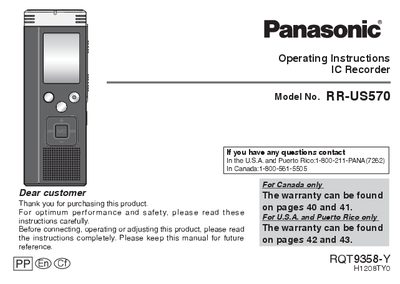
This manual provides operating instructions for the Panasonic RR-US570 IC Recorder. It details how to insert batteries, turn the power on and off, set the time, and use the Hold function to prevent accidental operations.
The guide covers basic recording and playback functions, including switching between Monaural and Stereo modes, adjusting microphone sensitivity, and using Zoom/Wide/Microphone positions. Advanced features such as noise reduction (EQ), A-B repeat play, and security locking are also explained.
| Audio Channels | Monaural or Stereo |
|---|---|
| Microphone Sensitivity | High, Normal, Low |
The display will show a blinking battery icon, and you should replace the batteries as soon as possible.
The unit is equipped with [ZOOM], [WIDE], and [MANUAL] recording positions.