
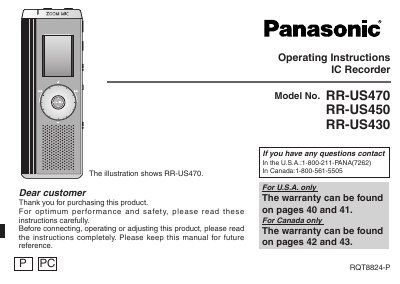
This Panasonic Operating Instructions document covers the RR-US470, RR-US450 and RR-US430 IC Recorder. It explains preparation such as inserting batteries, setting Hold and setting the time, then describes recording, playback, file organization, security functions and using the unit with a computer.
The manual includes supplied accessories, part names, menus, troubleshooting, specifications and maintenance, plus warranty and FCC information for the U.S. and Canada. It notes a maximum of 99 files per folder and lists approximate total recording times for each model.
| Maximum files per folder | 99 files |
|---|---|
| Recording modes | HQ, FQ, SP |
| RR-US470 approximate total recording time in HQ mode | 39 hours |
| RR-US470 approximate total recording time in FQ mode | 78 hours 10 minutes |
| RR-US470 approximate total recording time in SP mode | 134 hours |
Up to 99 files can be stored in each folder.
The recorder offers HQ (high quality), FQ (fine quality), and SP (standard play) modes.
It prevents accidental operation when the unit is put in a pocket or bag.
Approximately 39 hours total across all folders in HQ mode.