
IC recorder instruction manual, introducing the product's features and characteristics and usage methods
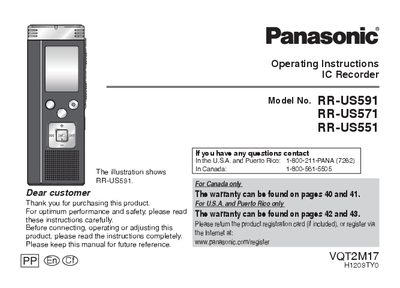
This manual provides operating instructions for the Panasonic RR-US591, RR-US571, and RR-US551 IC Recorders. It details the features, supplied accessories, and part names of the device. The guide explains how to insert batteries, turn the power on and off, and set the time and date. It also covers the Hold function and various recording settings such as mode (XP, LP, SLP), stereo/monaural selection, and microphone sensitivity.
| Battery Orientation | Use alkaline batteries |
|---|---|
| Recording Modes | XP, LP, SLP |
| Recording Positions | ZOOM, WIDE, MANUAL |
| Stereo/Monaural | Monaural, Stereo |
The battery indicator blinks, and if removed while recording, all data may be lost.
The positions are ZOOM, WIDE, and MANUAL.