
This manual describes how to use the RR-US006 recorder
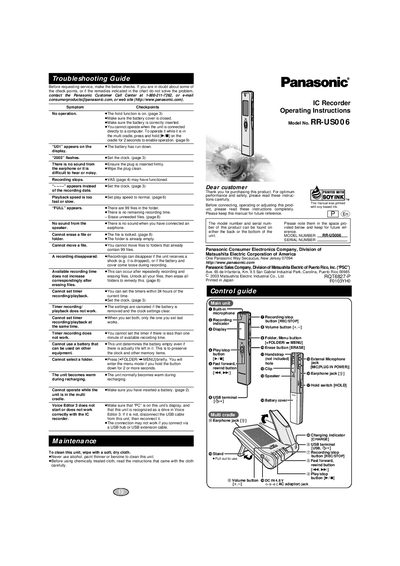
This manual provides operating instructions for the Panasonic RR-US006 IC Recorder. It details how to use the device's recording and playback functions, manage files and folders, set the internal clock, and utilize accessories like the multi cradle and external microphone.
The document also includes a troubleshooting guide to help users resolve common issues such as no sound, recording errors, or timer problems. Additionally, it covers maintenance procedures and explains how to order replacement parts.
| Clock accuracy | +/- 60 seconds at room temperature |
|---|---|
| AC input voltage (International) | Between 100 V and 240 V |
It takes approximately 2.5 hours for the "CHARGE" light to go out.
Yes, you can use the unit while the battery is recharging.
It is normal for the unit to become warm during the charging process.