
This document is the operating instructions for the RR-US470 model, providing information on the features and characteristics of the IC recorder.
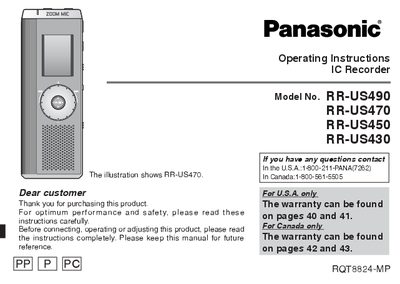
This manual provides operating instructions for the Panasonic RR-US490, RR-US470, RR-US450, and RR-US430 IC recorders. It details the use of supplied accessories, battery installation, and the Hold function to prevent accidental operation. The guide explains how to choose recording methods such as Meeting Recording and Dictation Recording, and how to utilize the Zoom function for clear target voice capture.
| Maximum files per folder | 99 files |
|---|---|
| Recording time (RR-US490, HQ) | 158 hours 30 minutes |
| Recording time (RR-US450, HQ) | 78 hours 10 minutes |
| Recording time (RR-US430, HQ) | 38 hours 30 minutes |
The Hold function prevents accidental operation when the unit is in a pocket or bag and prevents battery loss from accidental unit operation.
A maximum of 99 files can be stored in each folder.