
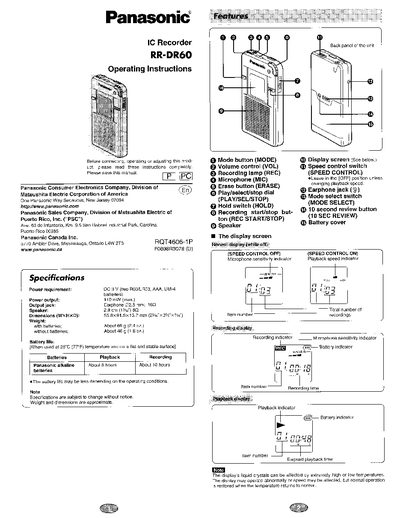
This document provides operating instructions for the Panasonic RR-DR60 IC Recorder. It details the setup process, including inserting batteries and setting the time and date. The manual explains how to use the device for recording voice messages, utilizing features like Voice Activated System (VAS) and speed control.
| Power requirement | DC 3 V (two RO3/LROS, AAA, UM-4 batteries) |
|---|---|
| Power output | 110 mW (max.) |
| Output jack | Earphone @2.5 mm; 16Q |
| Speaker | 2.8 0m (1342") 8Q |
| Dimensions | 55.8X99.5x 13.7 mm |
| Battery life (Playback) | About 8 hours |
| Battery life (Recording) | About 10 hours |
| Max recordings | 99 items |
| Max total recording time | 60 minutes |
The unit requires two AAA (RO3/LRO3, UM-4) batteries.
The recorder can store up to 99 different items with a total of 60 minutes.
If left without batteries for longer than three minutes, all settings revert to the conditions as at the time of purchase.