
This manual introduces how to use the Panasonic IC recorder, including inserting batteries, setting the time, recording, playing, stopping, and deleting.
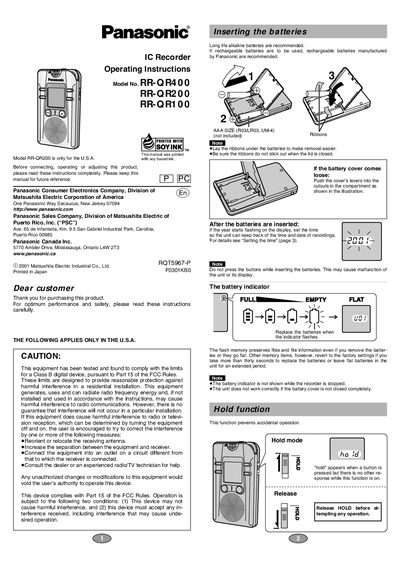
This manual provides operating instructions for the Panasonic RR-QR series of IC recorders. It covers essential setup procedures such as inserting batteries and setting the time, as well as safety precautions regarding FCC compliance and battery usage.
The guide details how to perform recording and playback operations using the built-in microphone or an external one. Users can adjust settings including recording modes (HQ, SP, LP), voice activated systems, microphone sensitivity, playback speed, and file management within folders.
| Total recording time (HQ mode) | 65 minutes (RR-QR200), 15 minutes (RR-QR100) |
|---|---|
| Total recording time (LP mode) | 420 minutes (RR-QR400), 200 minutes (RR-QR200), 100 minutes (RR-QR100) |
| Number of folders | 4 (A, B, C, D) |
| Files per folder | Up to 99 files |
| Earphone jack type | 3.5 mm (1/4 in.) monaural |
Long life alkaline batteries are recommended, or rechargeable batteries manufactured by Panasonic.
The flash memory preserves files and file information, but other memory items revert to factory settings.