
Brother FAX-170/FAX-190 Fax Machine User Manual


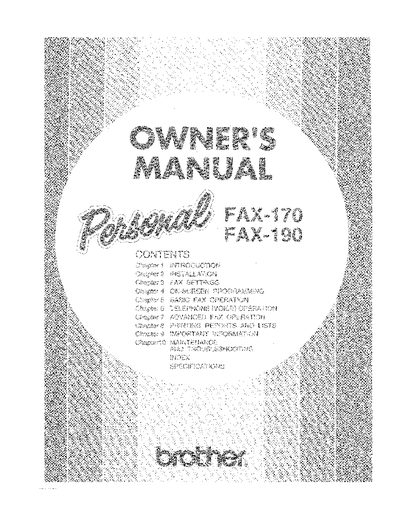
Brother FAX-170/FAX-190 Fax Machine User Manual - cover page
Brand
Brother
Category
All-in-one printer
Document type
User Manual
Language
English
Pages
74
File format
PDF
File size
8.6 MB
Published
02 July, 2012
Updated
02 July, 2012
MD5 checksum
775A4F274EE678E0E3678700476C6318

About this manual

This manual provides instructions for setting up and operating the Brother FAX-170 or FAX-190 fax machine. It covers essential topics including packing list verification, choosing a location, assembly, connecting power and telephone lines, and attaching the document support. The guide details how to load recording paper and connect the handset.

What's inside

  • Using This Manual
  • About Fax Machines
  • Caution
  • Packing List
  • Choosing a Location
  • Assembly
  • Load the Recording Paper
  • Connect the Handset
  • Fax Settings
  • Operation

Specifications

Document TypeFax Machine

Frequently asked questions

How long do the fax calling tones last after dialing?

The fax calling tones, or CNG tones, continue for 30 seconds after you dial the number.

How long does a receiving fax chirp over the phone line?

A receiving fax chirps for 40 seconds over the phone line while the screen displays RECEIVE.

What is the minimum duration required for the fax handshake?

The fax handshake must last for at least two to four seconds so the machines can understand each other.

Download PDF (8.6 MB)

More Brother Manuals


View all Brother manuals →