
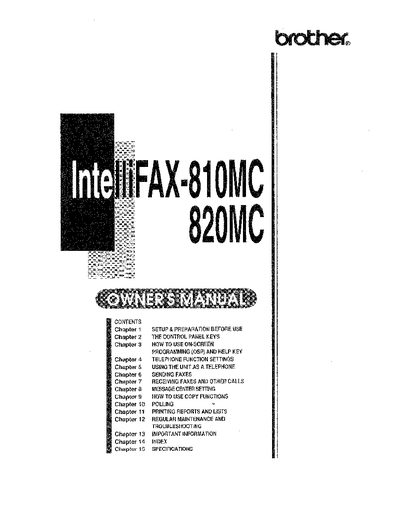
brother IntelliFAX-810MC/820MC OWNER'S MANUAL


brother IntelliFAX-810MC/820MC OWNER'S MANUAL - cover page
Brand
Brother
Category
All-in-one printer
Document type
User Manual
Language
English
Pages
128
File format
PDF
File size
18.6 MB
Published
02 July, 2012
Updated
02 July, 2012
MD5 checksum
8FAB3863BE848D696F6816BD11D0B893

About this manual

This Owner's Manual covers the setup, preparation, and basic operations for the Brother FAX-S10MC and FAX-B20MC fax machines. It includes instructions on how to use the control panel keys, On-Screen Programming (OSP), and telephone functions. The guide details procedures for sending and receiving faxes, using the Auto Document Feeder (ADF), and configuring message center settings.

What's inside

  • Setup & Preparation Before Use
  • Control Panel Keys
  • On-Screen Programming (OSP)
  • Telephone Function Settings
  • Sending Faxes
  • Receiving Faxes and Other Calls
  • Message Center Settings
  • Copy Functions
  • Polling
  • Troubleshooting

Frequently asked questions

What number should I fax the completed TEST SHEET to for verification?

You must fax the filled-out test sheet to 1-908-469-4547 as your first transmission.

What number should I call if I need voice assistance?

Call 1-800-284-4FAX for voice phone support.

How many chapters cover basic operations like sending and receiving faxes?

Chapters 5 through 7 contain the information on how to send and receive faxes.

Download PDF (18.6 MB)

More Brother Manuals


View all Brother manuals →