
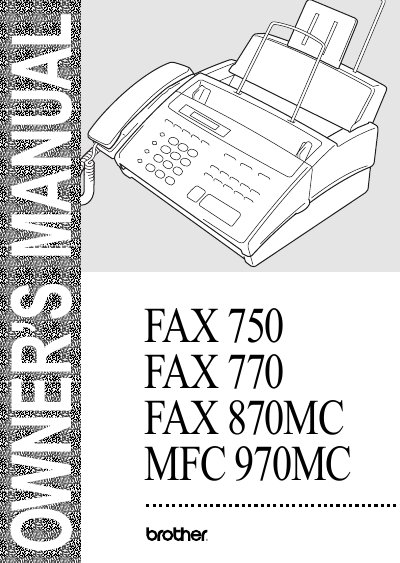
This Owner's Manual covers the setup, operation, and maintenance of Brother FAX 750, FAX 770, FAX 870MC, and MFC 970MC multi-function centers. It includes detailed instructions for installation, on-screen programming, initial setup, and various sending and receiving functions such as polling, distinctive ringing, and caller ID.
The guide also addresses advanced features available on specific models, including the Message Center and Message Center Pro for the MFC 970MC, as well as the Multi-Function Link software for computer integration. A comprehensive troubleshooting section helps users resolve common issues with fax transmission, reception, and hardware maintenance.
| Power source | 120V AC 50/60Hz |
|---|---|
| Power consumption (Standby) | under 5 watts |
| Power consumption (Peak) | under 170 watts |
| Dimensions | 12.3 x 13.6 x 7.3 inches |
| Weight | 9.56 lb / 4.3 kg |
You can use the Fax-Back System, available 24 hours a day, 7 days a week, to send faxes to any fax machine to receive instructions.
You can visit the World Wide Web at http://www.brother.com to find product specification sheets and Frequently Asked Questions.