
This document provides instructions for using the Yamaha PM-1000 mixing console, specifically focusing on the Input Module and Phase Switch. It explains how to check inputs for correct phase to prevent acoustic cancellations and how to intentionally reverse phase to improve sound character in complex setups like drum sets. The text emphasizes that listening is the only valid means to determine the best phase setting.
Begin with all channels in the N mode, assign mics to the cue bus, match levels, and reverse the phase of one mic by moving its switch to R. If the bass increases, leave it in R mode.
It reduces vocal P-pops and 60Hz hum from electric instruments without noticeably changing the sound.
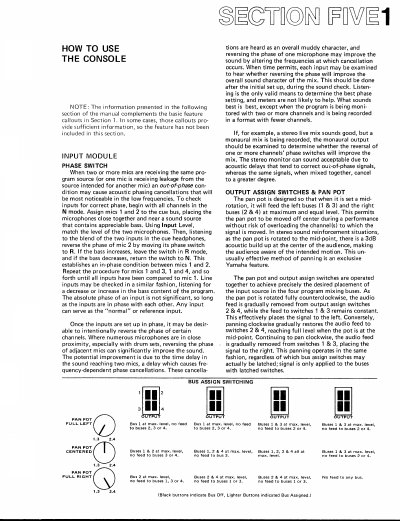
When set at mid-rotation, it feeds the left buses (7 & 3) and the right buses (2 & 4) at maximum and equal level.