
This document explains how to use ADD-ON EFFECTS and Auto Doppler, as well as the application of iSSP technology. ADD-ON EFFECTS are software packages that allow you to add and use high-level effect programs in a digital console or similar device. Auto Doppler is an effect program that simulates the Doppler effect as a sound source is moved. iSSP is a technology that combines a geometric sound simulator and multi-channel signal processor technology to achieve spatial localization and distance attenuation of sound.
The document serves as an owner's guide for the Auto Doppler add-on effect program designed for use with the Yamaha a6 digital console. It details how to recall and edit the program using either the console interface or Studio Manager software.
Key features covered include simulating sound source movement, adjusting path orientation and steepness, and configuring audio parameters such as speed, distance attenuation, air absorption, and pitch changes based on the Doppler effect.
| Attenuation Range (Distance) | 0 to 100 |
|---|---|
| Fade Time Range | 0.1 to 10 seconds |
| Speed Units | Km/h, m/sec, and mph |
ADD-ON EFFECTS are software packages that let you add on and use high level effect programs in your digital console or similar device.
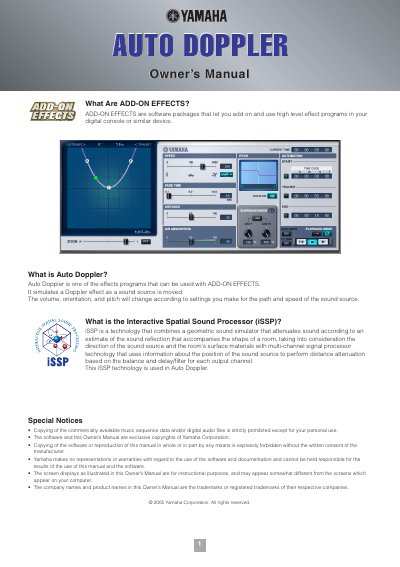
Auto Doppler simulates a Doppler effect as a sound source is moved, changing volume, orientation, and pitch based on path and speed settings.
When you recall the program, all effects processor outputs will be muted temporarily.