
This document introduces ADD-ON EFFECTS, Field Rotation, and iSSP technology. ADD-ON EFFECTS are software packages that install additional high-quality effects programs on digital consoles. Field Rotation is one of the effects programs that can be used with ADD-ON EFFECTS, and it virtually rotates the surround sound field. iSSP is a technology that combines a geometric sound simulator with multi-channel signal processor technology to perform distance attenuation and balance adjustment based on the position of the sound source. iSSP technology is used in Field Rotation.
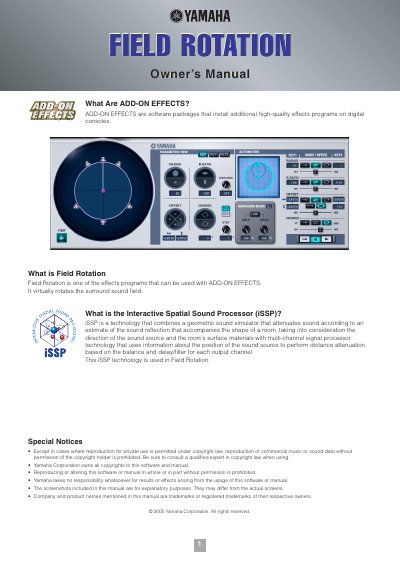
Field Rotation is an add-on effects program designed to virtually rotate the surround sound field. It utilizes Yamaha's Interactive Spatial Sound Processor (iSSP) technology, which combines geometric sound simulation with multi-channel signal processing based on room shape and surface materials.
The document provides instructions for installing the software via the ADD-ON EFFECTS Installation Guide and details how to recall and edit the program using either the digital console or Studio Manager. It describes specific parameters such as Radius, R.Ratio, Offset, Degree, Step, Distance, and Rotation Mode (CAV/CLV) along with visual controls for manipulating the virtual sound field.
When you recall the program, all effects processor outputs will be muted temporarily.
It can be rotated by using the mouse to drag the center point of the straight line extending from the circle's center, or via keyboard arrow keys while holding the mouse button.