
This document describes Add-On Effects, Equalizer601, and VCM technology. Add-On Effects are software packages that install additional high-quality effects programs on digital consoles. Equalizer601 is an Add-On Effects package that emulates the characteristics of analog equalizers used in the 1970s and adds drive to the sound by reproducing distortion typical to analog circuits. VCM is a technology that enables modeling of element levels in analog circuits, such as resistors and capacitors. Equalizer601 utilizes VCM technology.
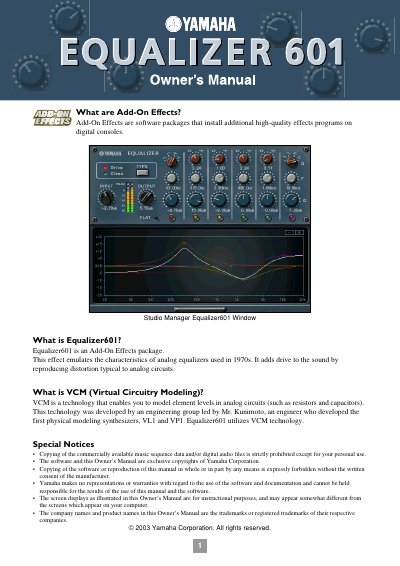
The Yamaha Equalizer601 is an Add-On Effects package that emulates the characteristics of 1970s analog equalizers using VCM (Virtual Circuitry Modeling) technology. It adds drive to the sound by reproducing distortion typical to analog circuits. The software is designed for use with Yamaha digital consoles and the Studio Manager application.
Equalizer601 is an Add-On Effects package that emulates the characteristics of analog equalizers used in the 1970s.
The range for both the input and output controls is from -18.0 through +18.0 dB.
You can choose from LSH-1, LSH-2, HPF-1, and HPF-2 for the LO band.