
This manual describes the functions and installation procedures of Studio Manager V2.
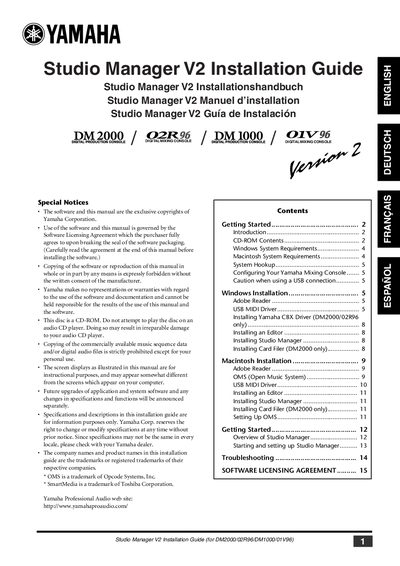
Yamaha Studio Manager V2 is software that enables users to control their Yamaha mixing consoles from a Windows or Macintosh computer. This Installation Guide details the process of installing the software and required driver packages, including the Yamaha CBX Driver, USB MIDI Driver, and various editors specific to the console models.
The document provides separate installation instructions for Windows and Macintosh operating systems. It covers system requirements for computers running Windows 95 through XP and Mac OS 7.5 through X 10.2, specifying necessary processor speeds, memory, and hard disk space. The guide also lists the contents of the included CD-ROM, which contains editors for the DM2000, 02R96, DM1000, and 01V96 consoles, as well as utilities like Card Filer for the DM2000.
| Display Resolution (Windows) | 1024 x 768 pixels, 256 colors or higher |
|---|---|
| Display Resolution (Macintosh) | 1024 x 768 pixels, 256 colors or higher |
| Memory (Windows) | 512 MB or more of free memory |
| Memory (Macintosh) | 256 MB or more |
| Hard Disk Space (Windows) | 30 MB or more of free space |
| Hard Disk Space (Macintosh) | 30 MB or more of free space |
| Processor (Macintosh) | Macintosh G4 or better |
Supported operating systems include Windows 95, 98, 98SE, Me, NT4.0, 2000, XP Home Edition, and XP Professional.
Supported operating systems include Mac OS X 10.2 or later. Mac OS 9 or earlier is supported for specific drivers like OMS.
The software supports the DM2000, 02R96, DM1000, and 01V96 digital mixing consoles.
No, Card Filer is included only for the DM2000 model.