
Yamaha M7CL V3 Editor Owner's Manual

This manual describes how to install M7CL V3 Editor software.
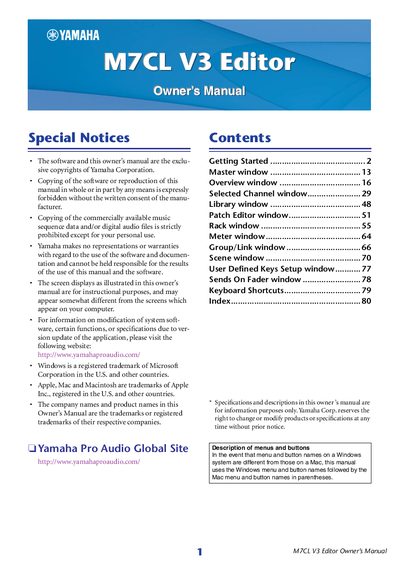

Yamaha M7CL V3 Editor Owner's Manual - cover page
Brand
Yamaha
Category
Other Electronics
Document type
User Manual
Language
English
Pages
80
File format
PDF
File size
2.8 MB
Published
11 June, 2012
Updated
01 October, 2023
Model
M7CL
MD5 checksum
A2A5F93774209AA2C51A2A15F45943ED

About this manual

The M7CL V3 Editor is software designed to remotely control a Yamaha M7CL mixing console (Version 3), such as the M7CL-48ES, M7CL-48, or M7CL-32 models. It allows users to save parameter settings on a computer and requires synchronization with the console via Studio Manager. Before use, users must configure the DME-N Network Driver (Windows) or Network-MIDI Driver (Mac) and select the appropriate MIDI port.

What's inside

  • Getting Started
  • System Setup
  • Mixer Setup
  • Creating a user key
  • Overview
  • Selected Channel window
  • Library window
  • Rack window
  • Meter Window
  • Scene Window

Frequently asked questions

What is the M7CL V3 Editor used for?

It enables you to remotely control a Yamaha M7CL mixing console and save parameter settings on your computer.

Which M7CL models are compatible with the Editor?

The software supports the M7CL-32, M7CL-48, and M7CL-48ES models.

What is the maximum length for a user name in the user key?

You can enter up to eight single-byte alphanumeric characters for the user name.

Download PDF (2.8 MB)

More Yamaha Manuals


View all Yamaha manuals →