
Yamaha M7CL V3 Editor Owner's Manual

This is the owner's manual for M7CL V3 Editor
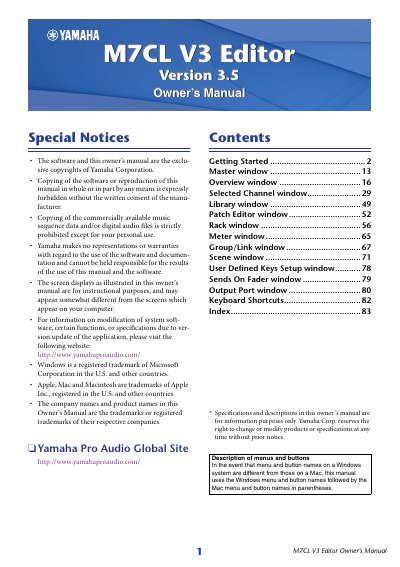

Yamaha M7CL V3 Editor Owner's Manual - cover page
Brand
Yamaha
Category
Other Electronics
Document type
User Manual
Language
English
Pages
83
File format
PDF
File size
2.9 MB
Published
11 June, 2012
Updated
30 September, 2023
Model
M7CL
MD5 checksum
FFD6F66A2F4006B2489B60DB398BF1BE

About this manual

The M7CL V3 Editor is software designed to enable remote control of Yamaha M7CL mixing consoles (models M7CL-32, M7CL-48, and M7CL-48ES). It allows users to save parameter settings on a computer and requires synchronization with the console via Studio Manager. The software supports both Windows and Mac operating systems.

What's inside

  • Getting Started
  • System Setup
  • Mixer Setup
  • Creating a user key
  • Overview window
  • Master window
  • Selected Channel window
  • Library Window
  • Patch Editor Window
  • Rack window

Specifications

Compatible Console ModelsM7CL-32, M7CL-48, M7CL-48ES
Software Version3.5

Frequently asked questions

What operating systems does M7CL Editor support?

The manual notes that menu and button names differ between Windows and Mac systems, implying support for both.

How do I configure the M7CL Editor?

You must configure settings for the DME-N Network Driver (Windows) or Network-MIDI Driver (Mac) and select the MIDI port in the Setup window of Studio Manager.

Download PDF (2.9 MB)

More Yamaha Manuals


View all Yamaha manuals →