
M7CL StageMix V3.0 User Guide, introduces how to control Yamaha M7CL digital mixing console functions via iPad, and provides a simple and intuitive graphical interface
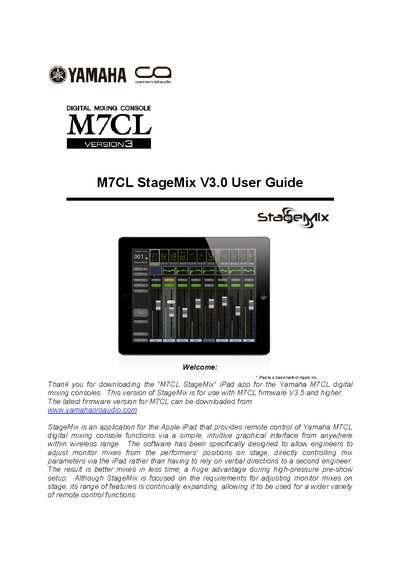
The document provides instructions for using the M7CL StageMix application, an iPad app designed to allow engineers to adjust monitor mixes from performers' positions on stage. It details system requirements, including compatibility with Yamaha M7CL consoles running firmware V3.5 or higher and specific Apple iPad models.
The guide covers the complete setup process, starting with configuring the Wi-Fi access point and connecting it to the console via a CAT5 cable. Users are instructed on how to set static IP addresses for both the console and the iPad to ensure communication. The manual then explains how to launch the app, configure the mixer connection by entering the console's IP and MAC address, and begin operating various functions such as faders, EQ, sends, and scene memory.
| Compatible iPad Models | 1st generation iPad, iPad 2, or 3rd generation iPad |
|---|---|
| Required Console Firmware | V3.5 and higher |
| Compatible Console Models | M7CL-48, M7CL-32, M7CL-48ES |
| Network Cable Type | CAT5 cable |
The app requires Yamaha M7CL digital mixing consoles with V3.5 firmware or higher.
Yes, you can access the OFFLINE DEMO mode to explore features independently of any mixing console.
A CAT5 cable is used to connect the console's network port to the Wi-Fi access point.