
LS9 firmware V1.1 contains the following changes from V1.0.
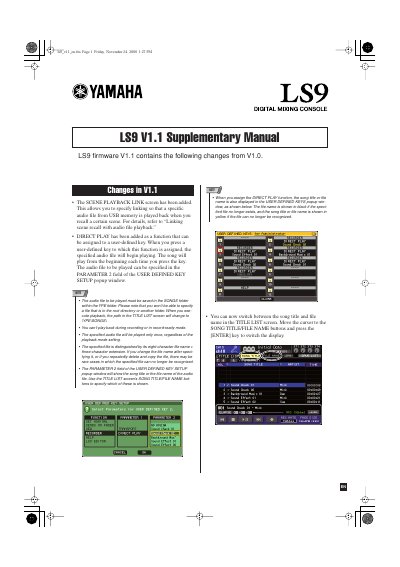
This document serves as a supplementary guide for the Yamaha LS9 digital mixing console, specifically covering firmware version 1.1. It outlines new features added to the system, including the SCENE PLAYBACK LINK screen and the DIRECT PLAY function for user-defined keys.
The manual provides step-by-step instructions on how to link scene recall with audio file playback from USB memory. It details the requirements for audio files, such as the necessary folder structure (YPE\SONGS) and supported formats (MP3, WMA, AAC), as well as the procedure for assigning specific songs to scenes and setting playback offsets.
| Maximum audio files displayed | 300 |
|---|---|
| Offset time range | 0-99 seconds in 0.5 second units |
| Supported audio formats | MP3, WMA, AAC |
Audio files must be saved in the SONGS folder within the YPE folder.
No, you cannot play back during recording or in record-ready mode.
The specified audio file will be played only once, regardless of the playback mode setting.