
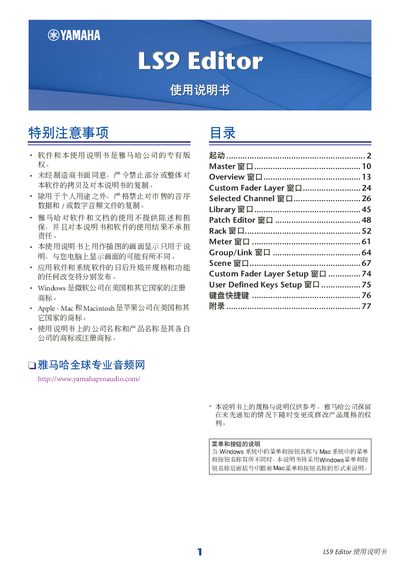
This document is the LS9 Editor's user manual, which introduces the product's usage methods, installation methods, and licensing agreements
The Yamaha LS9 Editor is a PC-based application used to configure parameters for the LS9 digital mixer. To begin using the editor, users must first install and configure Studio Manager, then set up the LS9 Editor itself, and finally synchronize it with the connected LS9 unit.
The software allows users to create custom user keys via USB, manage scenes and libraries, edit patches within racks, and adjust metering settings. It supports both Windows and Mac operating systems, with specific instructions provided for each platform. This manual is written in Japanese.