
LS9 Editor is a software that allows you to remotely control a Yamaha LS9 mixer and save parameter settings to your computer.
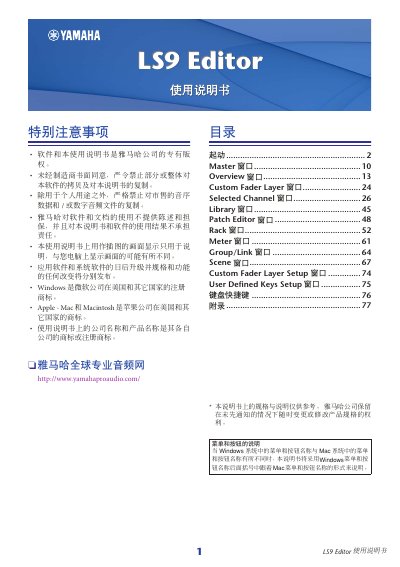
The Yamaha LS9 Editor is a PC-based application that allows users to configure parameters for the LS9 audio mixer. To use it effectively, the user must first set up the Studio Manager and then establish a connection with the LS9 unit via USB or network. The software enables remote control of channels, scenes, libraries, and system settings. This manual is written in Japanese.
| Compatible Software Version | ME-M Aero7k ver (Windows) or Wework-MM/D7 ver (Mac) |
|---|
The LS9 Editor allows users to control the LS9 mixer and save its parameters on a PC.
Select [File] and then choose [New Session].
Any previous undo operations cannot be successfully undone or redone.