
This document is the owner's manual of LS9 Editor. It mainly introduces the features and usage of LS9 Editor.
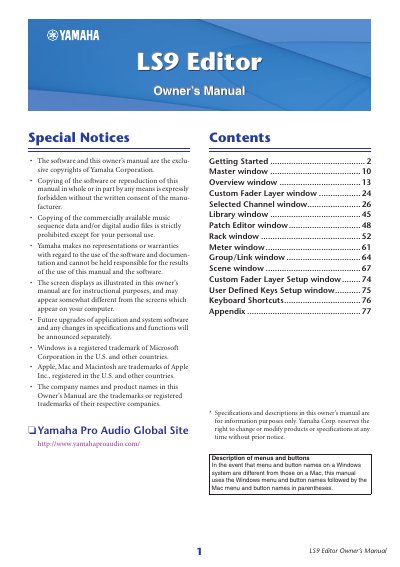
The Yamaha LS9 Editor is a computer application that enables users to remotely control the Yamaha LS9 mixing console and store parameter settings. To begin using the software, users must first configure Studio Manager and then set up the LS9 Editor by defining input/output ports for communication with the console.
Once configured, the software allows access to various windows such as the Master window, Overview window, Custom Fader Layer window, Library Window, Patch Editor window, Rack window, Meter Window, Group/Link Window, Scene Window, and User Defined Keys Setup window. The manual details how to synchronize the editor with the console and manage system settings.
The LS9 Editor enables you to remotely control the Yamaha LS9 mixing console and to save the parameter settings on your computer.
You must first start and configure Studio Manager, then start and configure LS9 Editor, and finally synchronize LS9 Editor with your LS9 console.
To open an editor, double-click the icon for the desired editor in the Studio Manager window.