
LS9 StageMix is an application for the Apple iPad that provides remote control of Yamaha LS9 digital mixing console functions via a simple, intuitive graphical interface from anywhere within wireless range. The software has been specifically designed to allow engineers to adjust monitor mixes from the performers’ positions on stage, directly controlling mix parameters via the iPad rather than having to rely on verbal directions to a second engineer. The LS9 StageMix V3.0 User Guide is the user guide for this application, which includes information on system requirements, Wi-Fi settings, getting started, mixer window, etc.
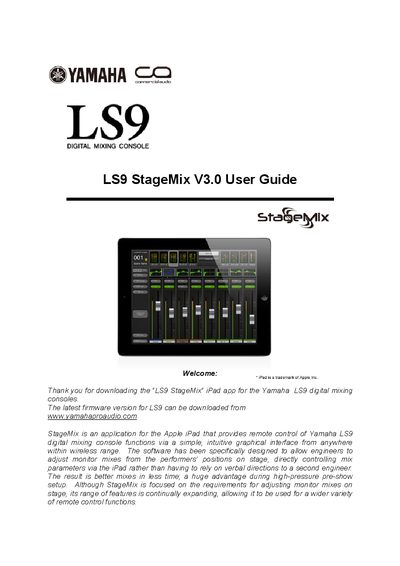
The document is a user guide for the LS9 StageMix V3.0 application, designed for Apple iPads (1st generation or later). It enables engineers to remotely adjust monitor mixes and other parameters on a Yamaha LS9 digital mixing console via Wi-Fi.
The manual covers system requirements, including specific iPad models and network configurations like 802.11n with 5GHz capability. It details the setup process for both the LS9 console (network port connection) and the iPad (static IP assignment). The guide provides instructions on configuring the app to connect to a specific mixer using its IP address and MAC address.
| Compatible iPad Models | 1st generation iPad or iPad 2, or 3rd generation iPad |
|---|---|
| Required Console | Yamaha LS9 digital mixing console |
| Recommended Wireless Mode | 802.11n, 5GHz capability |
It provides remote control of Yamaha LS9 digital mixing console functions via a simple, intuitive graphical interface from anywhere within wireless range.
StageMix displays a message and automatically attempts to reconnect; operation resumes once synchronization with the console data is complete.