
Olympus B-HLD20 Power Battery Holder User Manual

B-HLD20 Power Battery Holder. This is an instruction manual that explains how to use the battery holder.
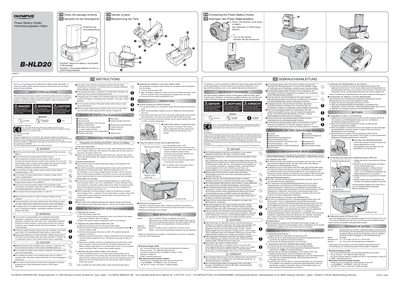

Olympus B-HLD20 Power Battery Holder User Manual - cover page
Brand
Olympus
Document type
User Manual
Language
English
Pages
2
File format
PDF
File size
612 KB
Published
08 June, 2012
Updated
30 September, 2023
Model
HLD-2
MD5 checksum
D0F200C0D67BD9415C55BE8B1B154DB9

About this manual

The Olympus B-HLD20 is a power battery holder designed to attach to compatible cameras. It allows users to extend shooting time by holding one or two BLM-1 lithium ion batteries directly in the unit while using the camera's xD-picture card storage section for media cards. The device features a vertical operation lock knob and can be used as an ergonomic grip during vertical shooting.

What's inside

  • Safety Precautions
  • Names of Parts
  • Operating Precautions
  • Replacing the Batteries
  • Normal Shooting and Vertical Shooting
  • Attaching the Battery Compartment Cover
  • Connecting the Power Battery Holder
  • Using the Optional Remote Control Cable
  • Storing the xD-picture Card
  • Main Specifications

Specifications

Battery TypeOne or two BLM-1 lithium ion batteries
DimensionsApprox. 116 (W) x 67 (D) x 100 (H) mm
WeightApprox. 135 g (4.8 oz)

Frequently asked questions

Can I replace the batteries without detaching the holder from the camera?

Yes, the batteries can be replaced without detaching the unit from the camera.

How many xD-picture cards can I store?

One xD-picture card can be stored in the dedicated section.

Download PDF (612 KB)

More Olympus Manuals


View all Olympus manuals →