
This document is a basic manual for a digital camera. It provides instructions on how to use the camera, including turning it on, setting the date and time, selecting a language, taking pictures, and viewing pictures. The manual also covers different shooting modes, flash modes, and the power save feature. Additionally, it explains how to connect the camera, playback pictures on a TV, print directly from the camera, and transfer images. The manual includes safety precautions and recommends taking test shots before capturing important photographs. It also includes a list of camera accessories and a warranty card.
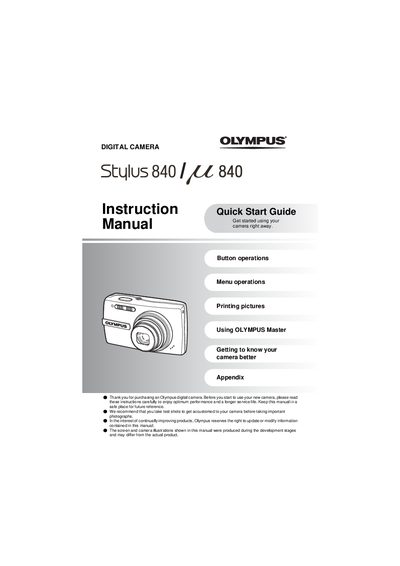
This document serves as an instruction and quick start guide for the Olympus Stylus 840 digital camera. It provides step-by-step instructions on setting up the device, including charging the battery (LI-42B) and inserting an optional xD-Picture Card or using internal memory. The guide explains how to turn the camera on, set the date and time, and navigate between shooting modes for still pictures and movies.
The camera uses a Lithium ion Battery (LI-42B).
Yes, you can shoot pictures even without using an optional xD-Picture Card; images are saved to internal memory.
To turn off the camera, press the POWER button once again after turning it on.