
Olympus FE-310/X-840/C-530 Digital Camera Basic Manual

This is a basic manual for OLYMPUS FE-310/X-840/C-530 digital camera
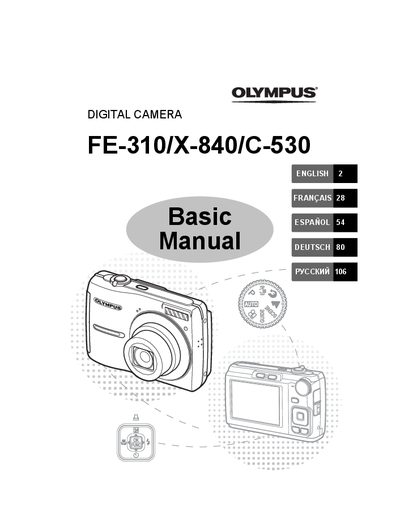

Olympus FE-310/X-840/C-530 Digital Camera Basic Manual - cover page
Brand
Olympus
Category
Digital cameras
Document type
User Manual
Language
English
Pages
132
File format
PDF
File size
9.3 MB
Published
08 June, 2012
Updated
30 September, 2023
MD5 checksum
E6C4269806ECDA2B847F3207BA9B9ED2

About this manual

This document serves as a basic user guide for the Olympus FE-310, X-840, and C-530 digital cameras. It provides step-by-step instructions on gathering box contents, attaching the strap, inserting batteries and xD-Picture Cards, and powering on the device. The manual details how to configure essential settings such as date, time, language, and shooting modes including Scene Modes and Macro Mode.

What's inside

  • Gather these items
  • Attach the strap
  • Prepare the camera
  • Turn the camera on
  • Set the date and time
  • Set the language
  • Shooting Mode Buttons
  • Scene Modes
  • Flash Modes
  • Menus and settings

Specifications

Supported Memory CardxD-Picture Card (optional)
Internal Storage CapabilityYes, without card

Frequently asked questions

Can I take photos without an xD-Picture Card?

Yes, you can store pictures directly in the camera's internal memory if no card is inserted.

What time format does the camera use?

The camera displays the time in a 24-hour format.

Download PDF (9.3 MB)

More Olympus Manuals


View all Olympus manuals →