
Olympus FE-310/X-840/C-530 Digital Camera Advanced Quick Start Guide

This document is an Olympus digital camera user manual that introduces the basic operations of the camera, including button operations, menu operations, printing pictures, and transferring pictures.
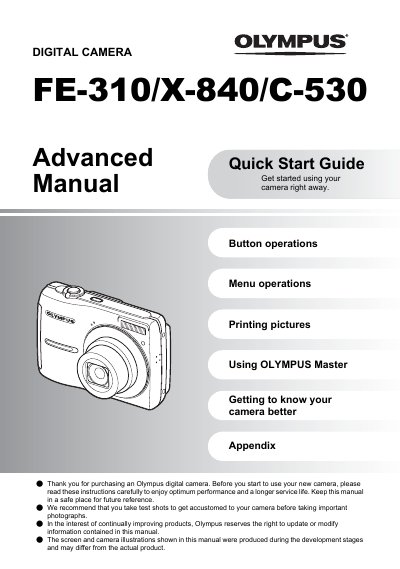

Olympus FE-310/X-840/C-530 Digital Camera Advanced Quick Start Guide - cover page
Brand
Olympus
Category
Digital cameras
Document type
User Manual
Language
English
Pages
61
File format
PDF
File size
2 MB
Published
08 June, 2012
Updated
01 October, 2023
MD5 checksum
AAC357B03EE5D6CA4306BFD24B69457A

About this manual

This document serves as an Advanced Quick Start Guide for the Olympus FE-310, X-840, and C-530 digital cameras. It includes instructions on setting up the camera with batteries and xD-Picture Cards, configuring date and time settings, and operating the power button and mode dial.

What's inside

  • Button operations
  • Menu operations
  • Printing pictures
  • Using OLYMPUS Master
  • Getting to know your camera better
  • Appendix

Frequently asked questions

How do I remove the xD-Picture Card from the camera?

To remove the card, push it all the way in, release slowly, grasp the card, and then pull it out.

What is the time format displayed on this camera?

The camera displays the time in a 24-hour format.

Download PDF (2 MB)

More Olympus Manuals


View all Olympus manuals →